AI Tools for Foundry VTT Game Masters
Combine Foundry VTT with AI tools for campaign lore, session summaries, and continuity. What Foundry does well, what it doesn’t, and how Tabletop Arc fits into a Foundry GM workflow.
What is AI Tools for Foundry VTT Game Masters?
Combine Foundry VTT with AI tools for campaign lore, session summaries, and continuity. What Foundry does well, what it doesn’t, and how Tabletop Arc fits into a Foundry GM workflow. Tabletop Arc is the AI memory layer for tabletop campaigns: every fact links to the transcript that proves it, with evidence-grounded continuity across sessions.
Introduction
Foundry VTT is one of the most popular platforms for running tabletop RPGs online. It gives Game Masters rich maps, automated combat, and a huge module ecosystem — so you can focus on the game instead of wrestling with video calls and shared sheets. What Foundry doesn’t do is track campaign lore, summarise sessions, or maintain long-term story continuity. That’s where AI tools and campaign knowledge systems come in. This guide explains what Foundry does well, what it doesn’t handle, which AI tools fit Foundry workflows, and how to run a hybrid setup: Foundry for gameplay, Tabletop Arc (or similar) for campaign knowledge.
What Foundry VTT does well
Foundry excels at the moment-to-moment experience of running a game online.
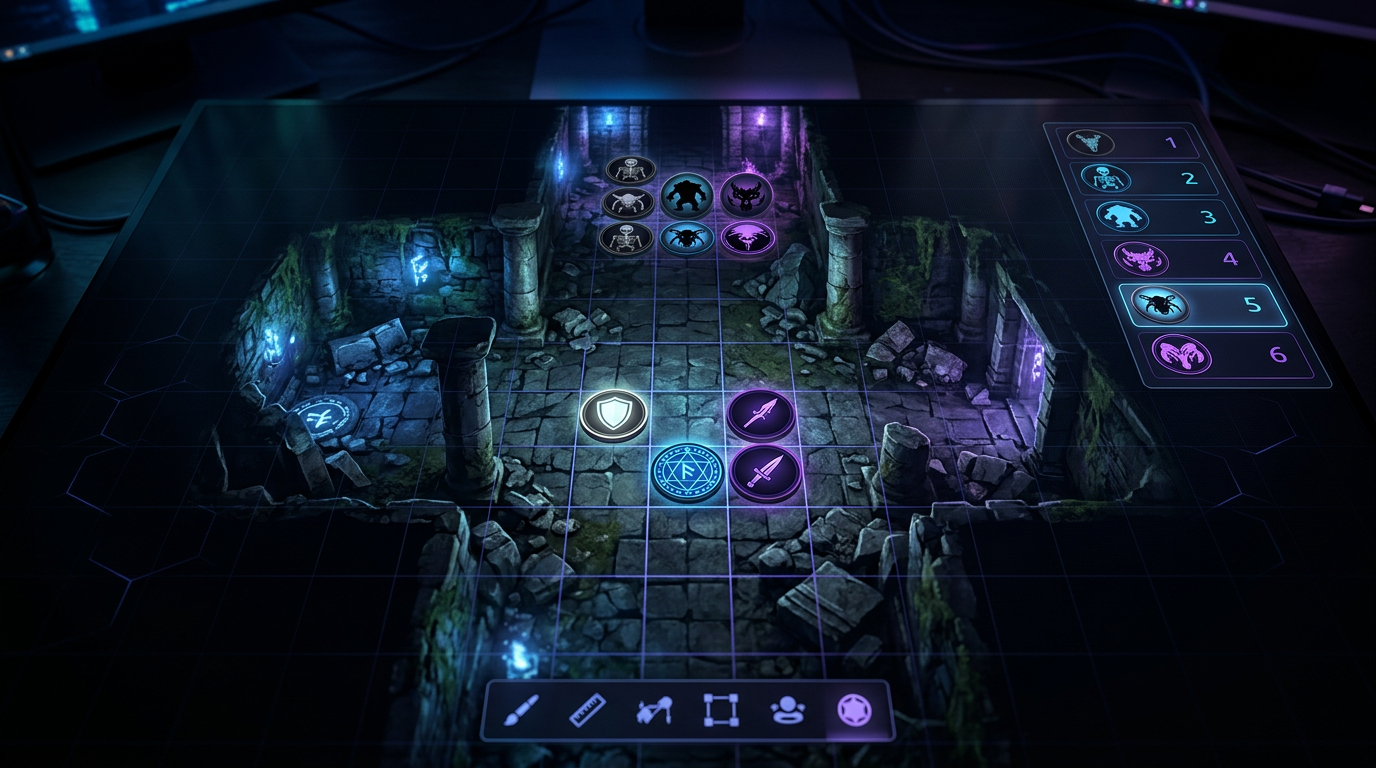
Maps — You get a canvas with fog of war, dynamic lighting, and support for huge battle maps and world maps. Tokens move on the grid; you reveal what players should see. It’s built for tactical play and atmosphere.
Combat automation — Dice rolls, targeting, damage application, and conditions can be automated via systems and modules. That speeds up combat and keeps the table focused on decisions, not math.
Modules — The community has built hundreds of modules: character sheets, journals, sound, macros, and system-specific features. You can tailor Foundry to your game and your table.
Online play — Players connect through the browser (or Electron). You host or use a server; everyone sees the same map, tokens, and rolls. Foundry is the “table” where the session happens.
For running the session itself — maps, tokens, dice, and shared view — Foundry is hard to beat. The gap is what happens before and after: prep, lore, and recap.
What Foundry does not handle well
Foundry is a virtual tabletop, not a campaign wiki or a recap engine. Three areas are usually missing or minimal:
Campaign lore tracking — You can store notes in journals and link them, but there’s no dedicated “campaign knowledge” layer: no automatic extraction of NPCs, locations, or events from play, and no single place that stays in sync with what was said. Lore tends to live in scattered journal entries you have to maintain by hand.
Session summaries — Foundry doesn’t transcribe your session or generate a recap. After the game, you’re on your own to write “what happened” and update your notes. That’s time-consuming and easy to skip, so recaps and continuity drift.
Long-term story continuity — Without a system that ties “what we learned this session” to “what’s canon,” it’s easy to forget NPCs, loose threads, and past decisions. Foundry keeps the session running; it doesn’t keep the campaign’s story consistent over months.
So: use Foundry for the game. Use something else for lore, recap, and continuity.
AI tools that integrate with Foundry workflows
You don’t have to leave Foundry. You can pair it with tools that handle transcription, recap, and campaign knowledge. Here’s how several options fit:
| Tool | Focus | Best for |
|---|---|---|
| Tabletop Arc | Session-to-canon pipeline, transcripts, Lore Wall, free generators | Record (or upload) session audio → transcript → event extraction → recap and Lore Wall; NPC and quest generators for prep; works alongside any VTT |
| MyArchivist | Campaign notes and organisation | Storing and organising campaign info; some AI features; note-based workflow that complements Foundry |
| ChatGPT | General-purpose text generation | Ad-hoc prep: NPCs, descriptions, plot hooks; no transcript or campaign wiki; use for one-off ideas |
| Obsidian | Linked notes, local wiki | Personal campaign wiki with backlinks and graph; you manually (or with plugins) add lore; no built-in session transcription |
Tabletop Arc is built for the “after the session” pipeline: you record your Foundry session (or export/drop audio), get a transcript, approve extracted entities into a Lore Wall, and generate a recap and continuity report. Foundry stays your play space; Tabletop Arc becomes your campaign memory.
Running a hybrid workflow
A practical approach is to split responsibilities:
Foundry for gameplay — All maps, tokens, combat, and in-session play happen in Foundry. You run the game there; players see the same view and roll there. No change to how you use Foundry day to day.
Tabletop Arc for campaign knowledge — After each session, you feed the audio (or a recording) into Tabletop Arc. You get a transcript, suggested scenes and entities (NPCs, locations, items, etc.), and you approve what goes into your Lore Wall. You generate an episode recap and a GM continuity report. So: Foundry = where the game runs; Tabletop Arc = where the story is recorded and summarised.
You can use Tabletop Arc’s NPC and quest generators for prep, then bring those NPCs and hooks into Foundry as journal entries or handouts. When the party meets them in play, what they learn can be captured in Tabletop Arc and stay in one canon.
What does an example workflow look like?
A typical hybrid loop looks like this:
1. Record session — While you run the game in Foundry, record the audio (or use a bot/capture that records the voice channel). Save the file when the session ends.
2. Generate transcript — Upload the recording to Tabletop Arc. Speech-to-text produces a searchable, timestamped transcript. You can correct it if needed before the next step.
3. Extract events — AI analyses the transcript and suggests scenes and entities: NPCs mentioned, places visited, decisions made, items acquired. You review these in a queue and approve or dismiss. Approved items are added to your Lore Wall with links to the transcript (evidence).
4. Create recap — From the same transcript and approved entities, generate an episode recap (for players or your own reference) and a GM continuity report. Your “what happened” and “what’s canon” are now written down and tied to the session, without manually re-listening or rewriting.
That loop runs after every session. During the session, you’re just running Foundry as usual.
Why campaign knowledge systems matter
Without a place to put lore and recaps, campaigns drift. Lost lore — “What was that NPC’s name?” “Which faction controls the port?” — forces you to guess or dig through old notes. Forgotten NPCs — Someone you introduced three months ago shows up again, and you’ve lost their motivation or secret. Contradictions — You say something that doesn’t match what you established earlier because there’s no single source of truth.
A campaign knowledge system (e.g. Tabletop Arc’s Lore Wall) gives you one place for NPCs, locations, factions, quests, and events. When you add transcript evidence, you know where a fact came from and can correct it without losing history. Recaps and continuity reports keep the table (and you) aligned on what’s canon. Foundry stays the stage; the knowledge system is the script and the archive.
What's the bottom line?
Foundry VTT is excellent for maps, combat, and online play. Pair it with AI tools that handle transcription, recap, and campaign lore so you get the best of both: a great table and a consistent story. Use Tabletop Arc (or similar) for the pipeline: record → transcript → event extraction → recap and Lore Wall. Use NPC and quest generators for prep. Combine tools instead of expecting one to do everything — and when you’re ready to give your Foundry campaign a proper campaign memory, manage your campaign with Tabletop Arc.
Try it yourself — generate a free NPC right now
No sign-up required. Generate NPCs, quests, locations, and more.
Frequently Asked Questions
What AI tools work best with Foundry VTT?
Does Tabletop Arc replace Foundry VTT?
Can I export AI battlemaps to Foundry?
How do I keep NPC stats consistent between Foundry and Tabletop Arc?
Does the AI know Foundry-specific rules or modules?
Related Tools
Related Articles
AI Tools for Dungeon Masters: Generate NPCs, Quests, Dungeons and More
TabletopArc is an AI-powered toolkit for Dungeon Masters that helps generate NPCs, quests, towns, dungeons, encounters, names, taverns, and magic items for tabletop RPG campaigns — so you spend more time playing and less time prepping.
AI Session Notes for D&D
Turn session audio into searchable transcripts, extracted events, and campaign continuity. How the Tabletop Arc pipeline turns recordings into session summaries and a living lore wiki.
Best Campaign Management Tools for D&D and TTRPGs in 2026
The best campaign management tools for D&D and TTRPGs in 2026, ranked. Tabletop Arc, Notion, Obsidian, World Anvil, MyArchivist, and Google Docs compared on session transcription, canon ledger, NPC tracking, and free tiers.
How to Use AI as a Dungeon Master Assistant
Learn how AI is changing how Game Masters prepare and run D&D: campaign planning, NPCs, encounters, session summaries, and worldbuilding. Plus a practical workflow and how Tabletop Arc automates continuity.
AI Campaign Planning Tools for Dungeon Masters
Plan long D&D campaigns with AI: story arcs, NPC networks, locations, and player motivations. Compare Tabletop Arc, Notion, Obsidian, World Anvil, and Google Docs — and see how AI improves campaign planning.
Example Outputs
Keep going
Programmatic examples
Pillar guides
Campaign continuity
- Pillar guide
AI campaign continuity
How AI keeps a multi-month TTRPG campaign coherent: structured canon, evidence-grounded recaps, and a living wiki.
- Positioning
The AI memory layer for tabletop campaigns
What "memory layer" means for TTRPGs and why it beats one-off generators for long campaigns.
- Continuity
Persistent campaign memory
Build a canon ledger that compounds session-over-session and never loses an NPC again.