AI Dungeon Generator for D&D and Tabletop RPGs
Generate dungeons, traps, encounters, and room descriptions with AI. Learn how dungeon generators work and how Game Masters can turn AI ideas into playable adventures.
What is AI Dungeon Generator for D&D and Tabletop RPGs?
Generate dungeons, traps, encounters, and room descriptions with AI. Learn how dungeon generators work and how Game Masters can turn AI ideas into playable adventures. Tabletop Arc is the AI memory layer for tabletop campaigns: every fact links to the transcript that proves it, with evidence-grounded continuity across sessions.
Introduction
Designing interesting dungeons is one of the hardest prep tasks for Game Masters. You need a coherent layout, distinct rooms, traps that feel fair, encounters that challenge without overwhelming, and a backstory that makes the place feel real. Doing it all by hand takes hours — and when the party goes off-script, you’re improvising in the dark. AI dungeon generators produce structured drafts: name, lore, entrance, key rooms, traps, boss, and treasure. You adapt the output and drop it into your campaign. This guide covers what makes a good dungeon, how AI dungeon generators work, an example structure, how Tabletop Arc helps manage dungeon lore, and why structured campaign tools beat raw AI prompts.
What Makes a Good Dungeon
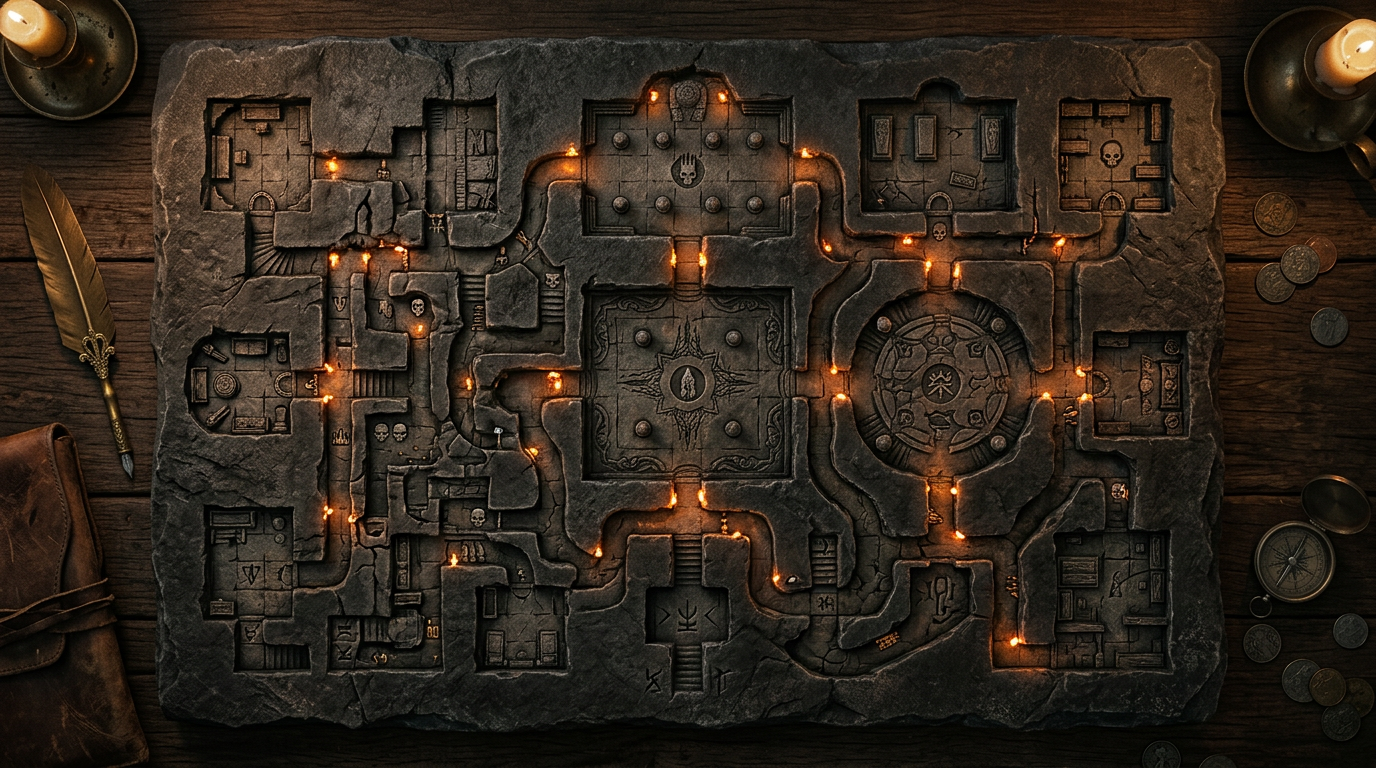
A good dungeon has purpose, pacing, and payoff. The place should have a reason to exist (abandoned temple, lair, vault) so you can explain why the traps and monsters are there. Pacing means variety: exploration, tension, combat, and discovery so the session doesn’t feel like one long fight or one long corridor. Payoff means the players feel the risk was worth it — treasure, lore, or a story beat that advances the campaign. AI can generate all of these elements; your job is to tune them to your table and your world.
AI Dungeon Generators Explained
AI dungeon generators take inputs (theme, setting, difficulty, number of levels) and return structured output: a name, backstory, entrance description, list of key rooms, traps or hazards, a boss encounter, and treasure. The Tabletop Arc Dungeon Generator is built for that: you choose dungeon type (ruins, tomb, cave, fortress, arcane tower), environment, difficulty, and number of floors. The result is a complete draft you can run or adapt. Unlike a raw AI prompt, the output has consistent fields so you can scan it quickly and plug it into your session.
Example Dungeon Structure Generated with AI
Here’s the kind of structure you get from an AI dungeon generator (e.g. Tabletop Arc’s):
- Name & Lore — "The Sunken Sanctum" — a flooded temple to a forgotten god, abandoned when the river changed course.
- Entrance — A crumbling stair leads below the waterline; the first chamber is ankle-deep and echoes.
- Key Rooms — Offering hall (trapped), priest’s cells (rotted journals), ritual chamber (altar + puzzle), vault (boss and treasure).
- Traps — Pressure plates, poisoned needles, rising water.
- Boss — A bound guardian that awakens when the vault is touched.
- Treasure — Ritual blade, coins, and a map to the next story beat.
You’d add stats, adjust difficulty, and tie the lore to your campaign — but the skeleton is ready in one click.
How Tabletop Arc Helps Manage Dungeon Lore
Once a dungeon exists in your world, it becomes part of your campaign lore. Locations, NPCs encountered there, and items found need to live in one place so you don’t forget what the party discovered. Tabletop Arc’s Lore Wall is your campaign wiki: you can add the dungeon as a location, link NPCs and items to it, and attach evidence from session transcripts (e.g. "the party learned the temple’s name in Episode 4"). When you create and manage dungeons inside Tabletop Arc campaigns, they stay connected to the rest of your world and to what actually happened at the table.
Comparison with Other Generators
Generic AI prompts ("generate a dungeon") give you freeform text that’s hard to scan mid-session. Purpose-built dungeon generators (like Tabletop Arc’s) return consistent fields: rooms, traps, boss, treasure. Other tools (Donjon, etc.) may focus on maps or stats; Tabletop Arc’s generator is tuned for narrative structure and plugs into a campaign continuity system so the dungeon doesn’t disappear after one session.
Why Structured Campaign Tools Beat Raw AI Prompts
Raw prompts produce one-off text. Structured tools produce reusable canon. When you generate a dungeon in Tabletop Arc, you can store it in your Lore Wall, link it to quests and NPCs, and when the party revisits or mentions it in a session, the transcript and recap keep that location in sync. You get AI speed plus campaign memory. Try the Dungeon Generator and manage your campaign in one place.
Try it yourself — generate a free NPC right now
No sign-up required. Generate NPCs, quests, locations, and more.
Frequently Asked Questions
What does an AI dungeon generator produce?
Can I export the dungeon to Roll20 or Foundry VTT?
How do I customize an AI-generated dungeon?
Is it balanced for D&D 5e or Pathfinder?
Will the dungeon stay consistent if my players come back?
Related Tools
Related Articles
AI Tools for Dungeon Masters: Generate NPCs, Quests, Dungeons and More
TabletopArc is an AI-powered toolkit for Dungeon Masters that helps generate NPCs, quests, towns, dungeons, encounters, names, taverns, and magic items for tabletop RPG campaigns — so you spend more time playing and less time prepping.
AI Worldbuilding Tools for Tabletop RPG Campaigns
Use AI worldbuilding tools to create cities, cultures, factions, and history for your TTRPG campaign. Compare Tabletop Arc, World Anvil, ChatGPT, and more — and see how generators and lore systems fit in.
AI Quest Generator for Dungeon Masters
Use AI to generate side quests, plot hooks, and story arcs for tabletop RPG campaigns. Learn how Game Masters can build deeper adventures faster.
AI Encounter Generator for Dungeon Masters
Generate balanced encounters for Dungeons & Dragons and other tabletop RPGs using AI. Learn how to create memorable combat, social, and exploration encounters.
Example Outputs
Keep going
Programmatic examples
Pillar guides
Campaign continuity
- Pillar guide
AI campaign continuity
How AI keeps a multi-month TTRPG campaign coherent: structured canon, evidence-grounded recaps, and a living wiki.
- Positioning
The AI memory layer for tabletop campaigns
What "memory layer" means for TTRPGs and why it beats one-off generators for long campaigns.
- Continuity
Persistent campaign memory
Build a canon ledger that compounds session-over-session and never loses an NPC again.