AI Worldbuilding Tools for Tabletop RPG Campaigns
Use AI worldbuilding tools to create cities, cultures, factions, and history for your TTRPG campaign. Compare Tabletop Arc, World Anvil, ChatGPT, and more — and see how generators and lore systems fit in.
What is AI Worldbuilding Tools for Tabletop RPG Campaigns?
Use AI worldbuilding tools to create cities, cultures, factions, and history for your TTRPG campaign. Compare Tabletop Arc, World Anvil, ChatGPT, and more — and see how generators and lore systems fit in. Tabletop Arc is the AI memory layer for tabletop campaigns: every fact links to the transcript that proves it, with evidence-grounded continuity across sessions.
Introduction
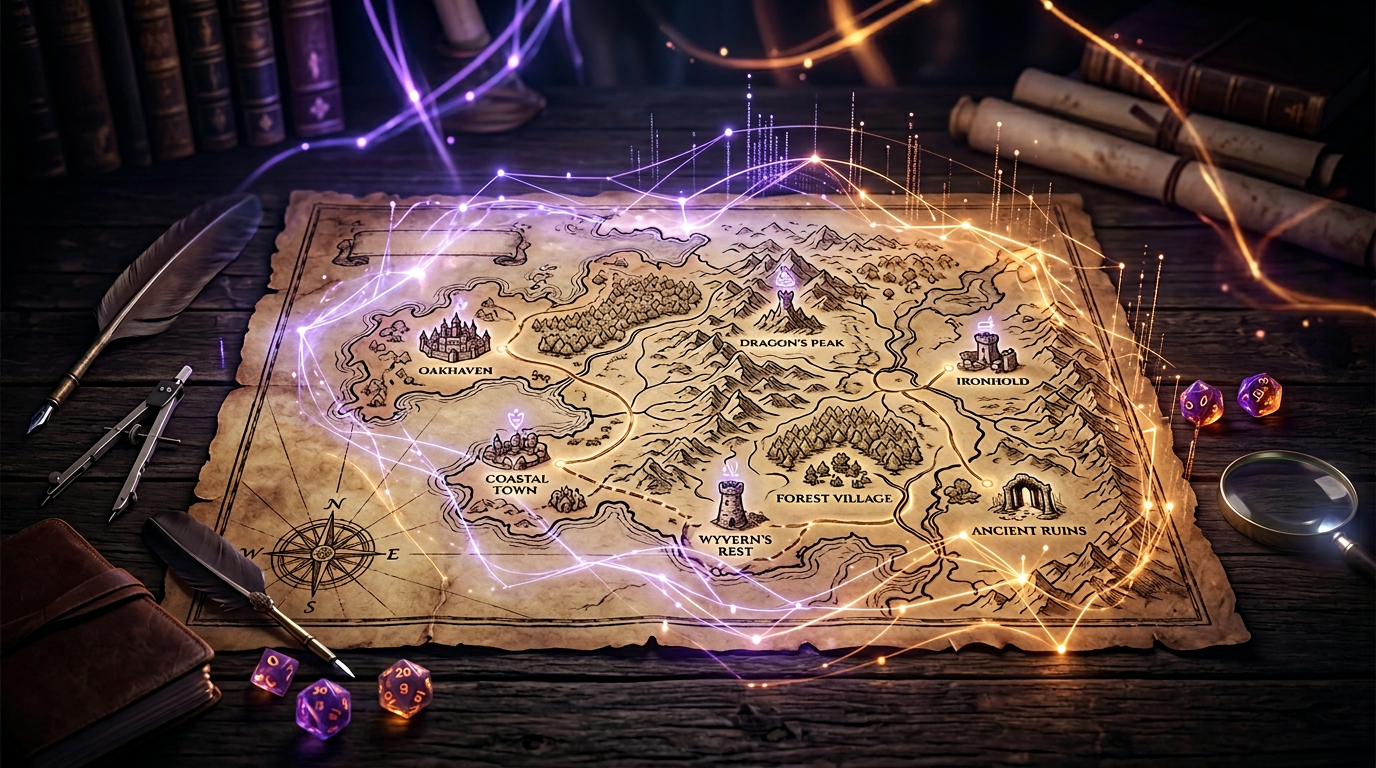
Worldbuilding takes enormous preparation time. You need cities with districts and power structures, cultures with customs and conflicts, factions with goals and rivalries, and a history that explains why the world looks the way it does. Doing it all by hand is rewarding but slow — and when the party heads somewhere you haven’t fleshed out, you’re improvising under pressure. AI worldbuilding tools help by generating first drafts: locations, societies, and lore you can adapt and drop into your campaign. This guide covers what AI worldbuilding is, the best tools for Game Masters, how to keep worlds believable, how to use generators (town, dungeon, rumor-style hooks), and how to organise world lore so it stays consistent across sessions.
What is AI worldbuilding?
AI worldbuilding means using AI to create or expand the fictional setting of your tabletop campaign. You provide a few constraints (genre, tone, region), and the AI suggests content you can edit and adopt. It helps in four main areas:
Cities — Districts, landmarks, government, economy, and notable NPCs. AI can generate a town or city profile so you have a coherent place instead of a blank “port city.” Tools like the Tabletop Arc Town Generator output name, population, government, economy, landmarks, notable NPCs, and secrets you can plug into your world.
Cultures — Customs, values, naming conventions, and tensions. AI can propose cultural details that make a region feel distinct and suggest how different groups might clash or cooperate.
Factions — Organisations, goals, leaders, and rivalries. You get a first pass on guilds, religions, noble houses, or criminal networks so you know who wants what and who opposes whom.
History — Events, wars, and turning points that shaped the present. AI can draft a timeline or backstory so the world has a past that justifies current politics and geography.
None of this replaces your creative control. You choose what to keep, what to change, and what to discard. AI gives you raw material; you make it canon.
Best worldbuilding tools for Game Masters
Different tools focus on different parts of worldbuilding. Here’s how several compare:
| Tool | Focus | Best for |
|---|---|---|
| Tabletop Arc | Session continuity, Lore Wall, free generators | GMs who want town and dungeon generators plus a campaign wiki that stays in sync with play; worldbuilding that becomes canon and is tied to transcript evidence |
| World Anvil | Published worldbuilding | Building and sharing a world bible: articles, maps, timelines, public-facing lore; deep structure for cultures and factions |
| ChatGPT | General-purpose text generation | Ad-hoc worldbuilding: “Describe a coastal culture,” “Outline a faction conflict”; no built-in campaign structure or generators |
| MyArchivist | Campaign notes and organisation | Storing and organising world lore; some AI-assisted creation; fits into a note-based workflow |
| NotebookLM | Document-based AI | Feeding your own world docs and asking questions; good for “summarise my notes” or “what did I say about X?”; no generators or campaign wiki |
Tabletop Arc combines generators (towns, dungeons, NPCs, quests, encounters, names) with a Lore Wall — a campaign wiki where locations, factions, and NPCs live and can be linked to session evidence. So you can generate a town, drop it into your world, and when the party visits, what they learn can be captured and merged into the same lore system.
Creating believable fantasy worlds
Believable worlds feel consistent. Four pillars help:
Politics — Who has power, who wants it, and how they compete. Factions, succession, treaties, and betrayals give you plot. AI can suggest power structures and conflicts; you decide how they play out at the table.
Geography — Where things are and why. Mountains, rivers, and trade routes shape where cities rise and how cultures interact. A little geographic logic (e.g. the port is the trade hub) makes the world easier to run and to remember.
Conflict — Tension drives story. Cultural clashes, resource scarcity, old grudges, and competing goals give the party something to engage with. AI can propose conflicts; you weave them into your arcs.
Economy — What people trade, what’s scarce, and who benefits. You don’t need a spreadsheet, but a rough sense of “this region has X, that one needs Y” makes NPC motivations and plot hooks more coherent.
Use AI to draft these elements; then refine them so they fit your tone and your table.
Using AI generators for worldbuilding
Generators give you structured, ready-to-use building blocks. Three that fit worldbuilding well:
Town generator — A town or settlement generator produces name, population, government, economy, landmarks, notable NPCs, and secrets. You get a full location in one click. Use it for every new village or city the party might visit so you always have a baseline: who’s in charge, what’s the main trade, and what’s hidden beneath the surface.
Dungeon generator — A dungeon generator gives you name, backstory, entrance, key rooms, traps, boss, and treasure. It’s a complete location you can drop into your map. Use it for ruins, lairs, and set-piece adventures so your world has memorable places with internal logic.
Rumor and hook generators — We don’t have a dedicated “rumor generator,” but quest generators produce hooks, complications, and twists that work like rumors: “The bandits are actually protecting a village,” “Their leader is a retired adventurer.” Use those outputs as rumors the party hears in a tavern or as plot threads that tie your world together.
Combine these: generate a town, generate a dungeon in the hills nearby, and use a quest generator for the hook that sends the party there. You’ve built a small slice of the world in minutes.
Organising world lore
Generating content is only half the job. If you don’t organise it, you’ll forget what you created or contradict yourself. Campaign tools help you track worldbuilding in one place:
- Single source of truth — Every location, faction, and NPC lives in a wiki or database. When you need “the blacksmith’s name” or “what’s the ruling house,” you look it up instead of guessing.
- Linking — Entries link to each other (e.g. “this NPC belongs to this faction,” “this event happened in this location”). That keeps the world coherent and makes it easy to follow threads.
- Evidence — When lore comes from play, the best tools let you attach evidence (e.g. “we learned this in Episode 3”). So you know what’s canon and where it came from; you can correct mistakes without losing history.
Tabletop Arc’s lore system is built for this. The Lore Wall is your campaign wiki: characters, locations, items, factions, quests, and more. You can add entries manually (e.g. from a town or dungeon generator) or approve them from session analysis when the party discovers something in play. Every entry can link to transcript evidence, so your worldbuilding and your session record stay aligned. That way the world you build and the world that emerges at the table become one consistent canon.
What's the bottom line?
Worldbuilding takes time; AI worldbuilding tools can speed it up by generating cities, cultures, factions, and history you can adapt. Compare tools by what they do best: structured generators (e.g. town, dungeon, quest) for building blocks, and campaign wikis (e.g. Tabletop Arc’s Lore Wall) for organising and tracking lore. Keep your world believable with clear politics, geography, conflict, and economy — and use AI as a first draft, not a substitute for your vision. Experiment with AI world creation; when you’re ready to turn that world into a campaign that stays consistent session after session, build your campaign world with Tabletop Arc.
Try it yourself — generate a free NPC right now
No sign-up required. Generate NPCs, quests, locations, and more.
Frequently Asked Questions
What are the best AI worldbuilding tools for TTRPGs?
Can AI generate a complete TTRPG setting?
How do I keep an AI-built world consistent?
Are AI-built worlds generic?
How does worldbuilding intersect with running sessions?
Related Tools
Related Articles
AI Tools for Dungeon Masters: Generate NPCs, Quests, Dungeons and More
TabletopArc is an AI-powered toolkit for Dungeon Masters that helps generate NPCs, quests, towns, dungeons, encounters, names, taverns, and magic items for tabletop RPG campaigns — so you spend more time playing and less time prepping.
Best Campaign Management Tools for D&D and TTRPGs in 2026
The best campaign management tools for D&D and TTRPGs in 2026, ranked. Tabletop Arc, Notion, Obsidian, World Anvil, MyArchivist, and Google Docs compared on session transcription, canon ledger, NPC tracking, and free tiers.
How to Use AI as a Dungeon Master Assistant
Learn how AI is changing how Game Masters prepare and run D&D: campaign planning, NPCs, encounters, session summaries, and worldbuilding. Plus a practical workflow and how Tabletop Arc automates continuity.
Best AI Tools for D&D Campaigns 2026: Ranked Comparison
The best AI tools for D&D campaigns in 2026, ranked. Compare Tabletop Arc, ChatGPT, Donjon, World Anvil, Foundry VTT, Obsidian, and Friends & Fables for prep speed, session transcription, campaign continuity, and worldbuilding — with free tiers compared.
AI Tools for Foundry VTT Game Masters
Combine Foundry VTT with AI tools for campaign lore, session summaries, and continuity. What Foundry does well, what it doesn’t, and how Tabletop Arc fits into a Foundry GM workflow.
AI Campaign Planning Tools for Dungeon Masters
Plan long D&D campaigns with AI: story arcs, NPC networks, locations, and player motivations. Compare Tabletop Arc, Notion, Obsidian, World Anvil, and Google Docs — and see how AI improves campaign planning.
Example Outputs
Keep going
Programmatic examples
Pillar guides
Campaign continuity
- Pillar guide
AI campaign continuity
How AI keeps a multi-month TTRPG campaign coherent: structured canon, evidence-grounded recaps, and a living wiki.
- Positioning
The AI memory layer for tabletop campaigns
What "memory layer" means for TTRPGs and why it beats one-off generators for long campaigns.
- Continuity
Persistent campaign memory
Build a canon ledger that compounds session-over-session and never loses an NPC again.