Give the campaign one home
Create an Arc for your campaign, with its episodes, lore, maps, players, and publishing controls kept together.
D&D Campaign Planner
Plan sessions, organize NPCs and locations, track your lore, and keep every campaign thread connected as you play. Tabletop Arc combines campaign planning with a persistent AI-assisted memory layer, so your campaign gets easier to manage instead of harder.
Free forever to start. No credit card required.
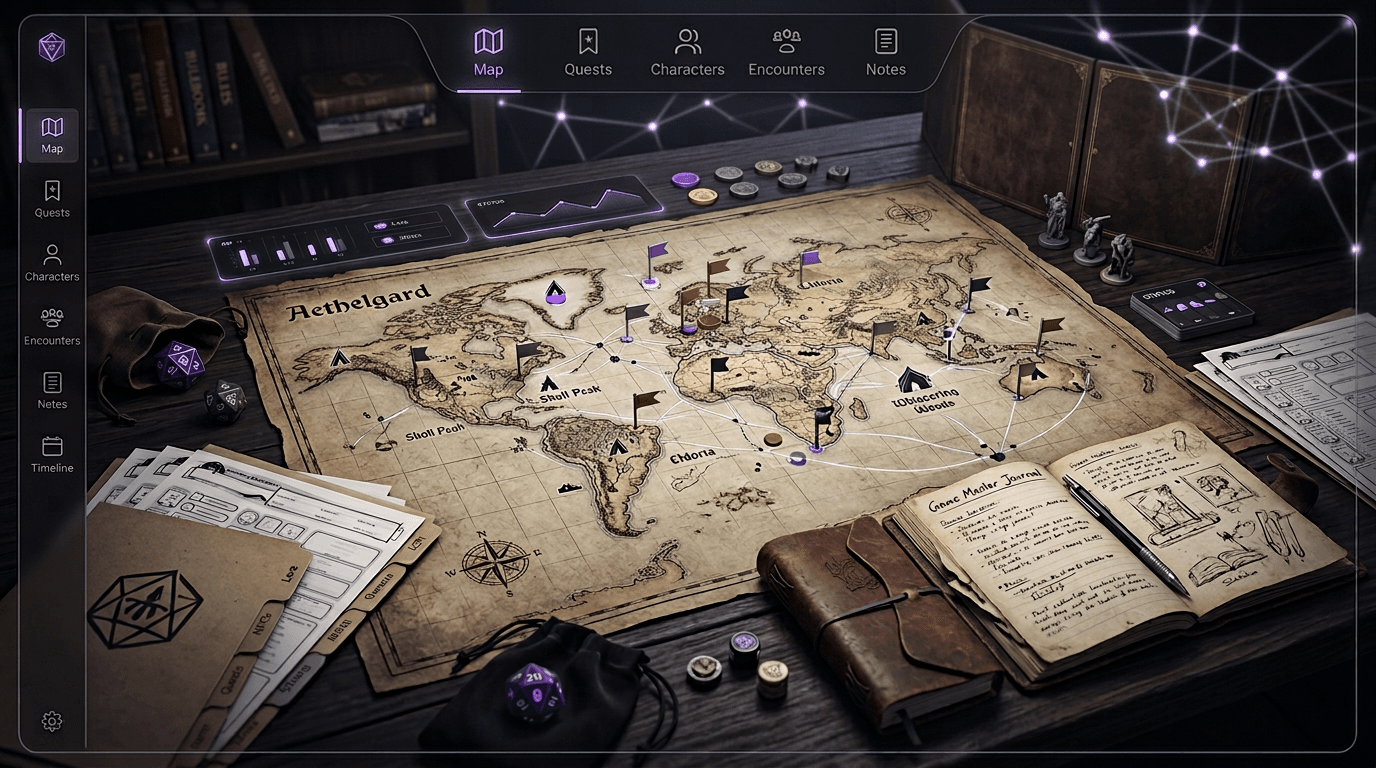
Campaign plans rarely survive contact with players. A throwaway NPC becomes essential. A minor faction takes over the plot. A location returns six months later with a different name and a new secret. Traditional documents leave the GM to synchronize every change by hand. Tabletop Arc keeps the evolving reality of play connected to the preparation that came before it.
Campaign management, not generic notes
Plan the known world, capture the unexpected one, and decide what becomes trusted campaign knowledge.
Create an Arc for your campaign, with its episodes, lore, maps, players, and publishing controls kept together.
Use the Lore Wall to organize characters, locations, factions, quests, items, events, and the facts that connect them.
Upload campaign maps, add features, and control what stays GM-private, what players can see, and what can be public.
Arc Prep uses your campaign context to resurface open threads, NPC spotlights, twists, and encounter seeds for the GM to shape.
Upload audio, paste a transcript, or write a recap manually. The recording workflow is useful, but it is never required.
Inspect extracted scenes, entities, and events before approving campaign updates. The GM remains the final authority.
The campaign loop
Create an Arc as the home for the campaign. Arcs hold the episodes, lore, maps, and people that make up the story.
Add the NPCs, locations, factions, quests, maps, and lore you already know. Keep secrets private and choose what players can see.
Use Arc Prep and existing campaign context to bring relevant open threads and characters back into view, then decide what belongs in your prep.
Run the session at your table, in a VTT, or however your group already plays. Tabletop Arc does not run the game or replace the GM.
Upload session audio, paste transcript text, or write the recap yourself. Choose the workflow that matches the material you have.
Review extracted scenes, lore, entities, and events. Approve what is true, correct what needs context, and leave uncertain details out of canon.
The next prep starts with both the world you planned and the consequences your players created, ready to search and reuse.
Persistent campaign memory
A normal wiki shows you the pages you wrote. Tabletop Arc also keeps structured campaign history underneath those pages: the people, places, events, relationships, evidence, and open threads that make continuity possible.
That history can help keep NPC relationships connected, make locations searchable, ground recaps in session material, and bring old threads back into prep. The reviewed source of truth is the canon ledger. AI can propose updates, but the GM decides what is correct and what stays private.
Your wiki is what you read. Campaign memory is what keeps everything underneath it connected.
Learn how the campaign memory layer works →Before the dice roll
Start with the material you already have. Establish the important characters, organize locations and factions, record quests and plot threads, attach maps, and separate player knowledge from GM secrets.
When you need a first draft, Tabletop Arc's free generators can create supporting material for you to edit and save into the campaign.
The organizational problem changes as a campaign grows. Tabletop Arc's value grows with the history you choose to preserve.
A handful of NPCs, places, and the first clear objective.
Recurring characters, factions, unresolved quests, and consequences.
Multiple arcs, callbacks, secrets, and relationships that have changed.
More campaign history than a GM can realistically hold in working memory.
Tabletop Arc does not promise perfect memory. It keeps structured campaign history available, helps preserve continuity, and makes past information easier to search and reuse when the story circles back.
General notes apps are flexible and familiar. Tabletop Arc is structured around the work of running and remembering a tabletop campaign.
| Capability | Tabletop Arc | General notes app |
|---|---|---|
| Campaign-specific structure | Built in | You design it |
| NPC, location, faction, and quest tracking | Structured Lore Wall | Manual pages or databases |
| Campaign maps | Built in | Files, embeds, or plugins |
| Session capture and transcription | Built in and optional | External workflow |
| AI-assisted lore extraction | Proposed for GM review | Varies by setup |
| Campaign-aware prep | Arc Prep uses campaign context | Manual context gathering |
| Player-safe recaps and GM-private continuity | Separate visibility and outputs | Manual permissions and copies |
| Persistent campaign context | Accumulates with reviewed play | Depends on manual upkeep |
Looking for a broader comparison? Compare the best D&D campaign management tools.
Product proof
Explore a working example with episodes and structured campaign lore, or browse real public Arcs shared by their GMs. Public publishing is optional; new campaigns stay private unless their GM chooses otherwise.
Explore the Phandelver example ArcSee what GMs are publishing - episode recaps, lore wikis, and continuity, all in one place.
 D&D
D&DA tabletop campaign: Dragonslayers. Join the party for adventure, drama, and memorable moments. Perfect for players who love collaborative storytelling.
 D&D 5e
A windswept frontier town stands at the edge of something ancient and restless. What began as a simple escort job has drawn the party into a web of forgotten oaths, fractured factions, and a power stirring beneath the earth. Across haunted ruins, political intrigue, and desperate last stands, the characters will shape the fate of a region teetering between renewal and ruin. Alliances will be tested. Secrets will surface. And not every victory will come without cost. This arc blends high-stakes adventure, character-driven drama, and evolving world consequences - perfect for groups who love continuity, meaningful choices, and a living campaign world.
Start on the $0 plan with no credit card. Create unlimited Arcs and use the campaign core, then upgrade only when you need more monthly audio, AI, image, or storage resources.
Start Your Campaign FreeWant the details first? View plans and current allowances.
A D&D campaign planner gives a Dungeon Master one place to organize the people, places, quests, maps, sessions, and open threads that shape a campaign. Tabletop Arc adds an ongoing campaign memory workflow, so planning can stay connected to what actually happens at the table.
Yes. An Arc is a home for a campaign, including episodes, structured lore, maps, players, prep, and optional publishing. It supports both the material you create before play and the campaign history that develops afterward.
Yes. Tabletop Arc has a $0 entry plan, requires no credit card to start, and supports unlimited Arcs. Monthly audio, AI, image, and storage resources depend on your plan, so you can upgrade when you need more automation or capacity.
Yes. Create an Arc, add the established NPCs, locations, factions, quests, maps, and lore that matter, then add past or future episodes as useful. You do not need to reconstruct every old session before continuing.
No. Tabletop Arc is a campaign planner, memory layer, and publishing home. Keep using your preferred VTT, maps, character tools, and rules workflow to run the game.
Yes. You can add lore and maps manually, use Arc Prep, paste text, and write recaps yourself. Audio upload and transcription are optional paths, not requirements.
Yes. The campaign, lore, visibility, prep, and recap workflows are system-agnostic. This page focuses on D&D because many Dungeon Masters search for a D&D campaign planner, but Tabletop Arc also supports other tabletop RPG campaigns.
Session material can be turned into structured scenes, entities, events, and lore proposals. Once reviewed, that campaign history remains available alongside your existing Arc context for later search, prep, recaps, and continuity.
No. AI-assisted extraction proposes information for review. You decide what is approved, what needs correction, and what remains GM-private before it becomes trusted campaign knowledge.